Begin with the surface
Consider the floor, glass, tile or other surface you want to clean. Check both the tool directions and the surface manufacturer’s care advice.
$30.00
Out of stock
Free standard US shipping
Contiguous 48 states & DC · 4–7 business days total
30-day returns
Merchant-paid return shipping. Read the policy
Questions about this item? [email protected]
Product brand: Fuller Brush
The details
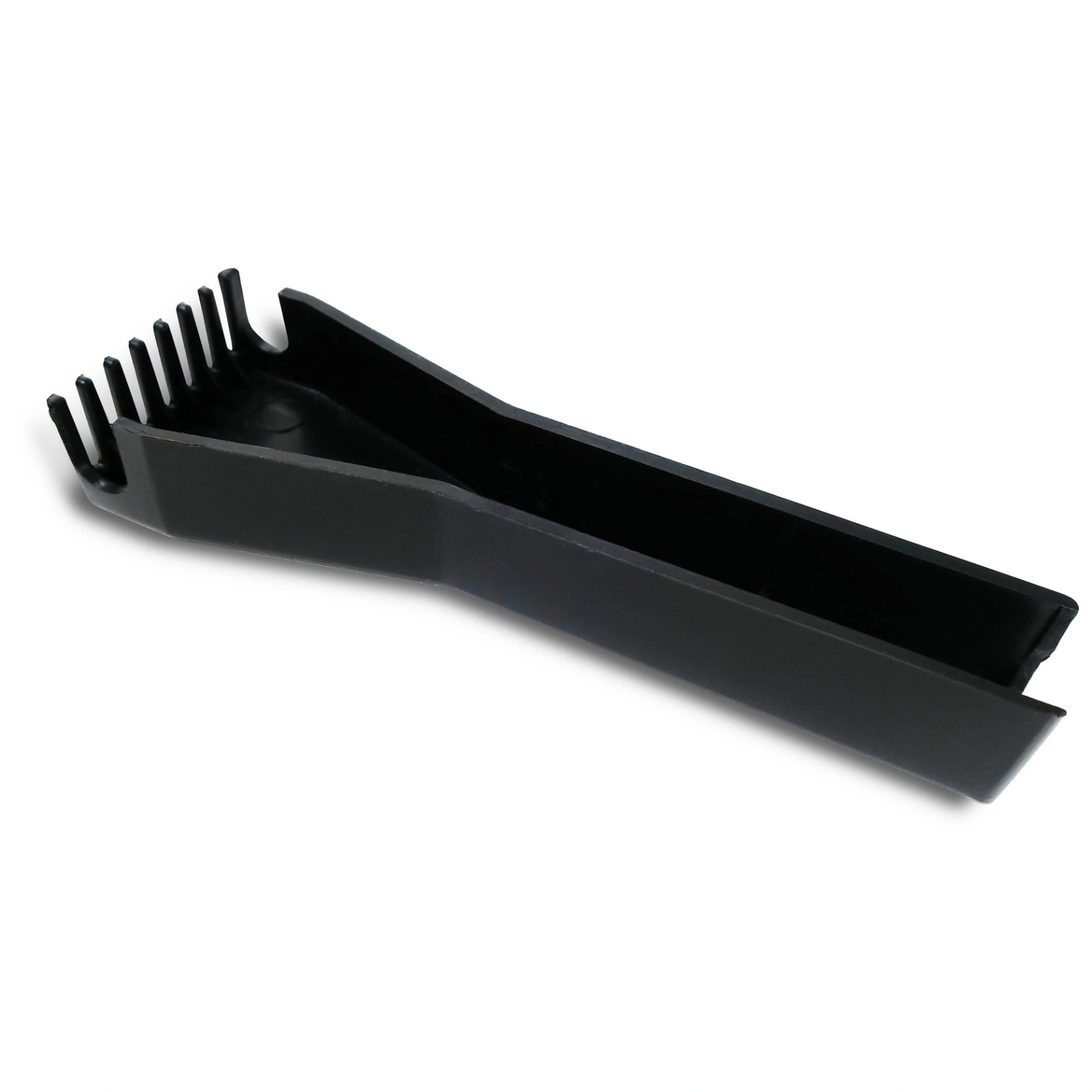
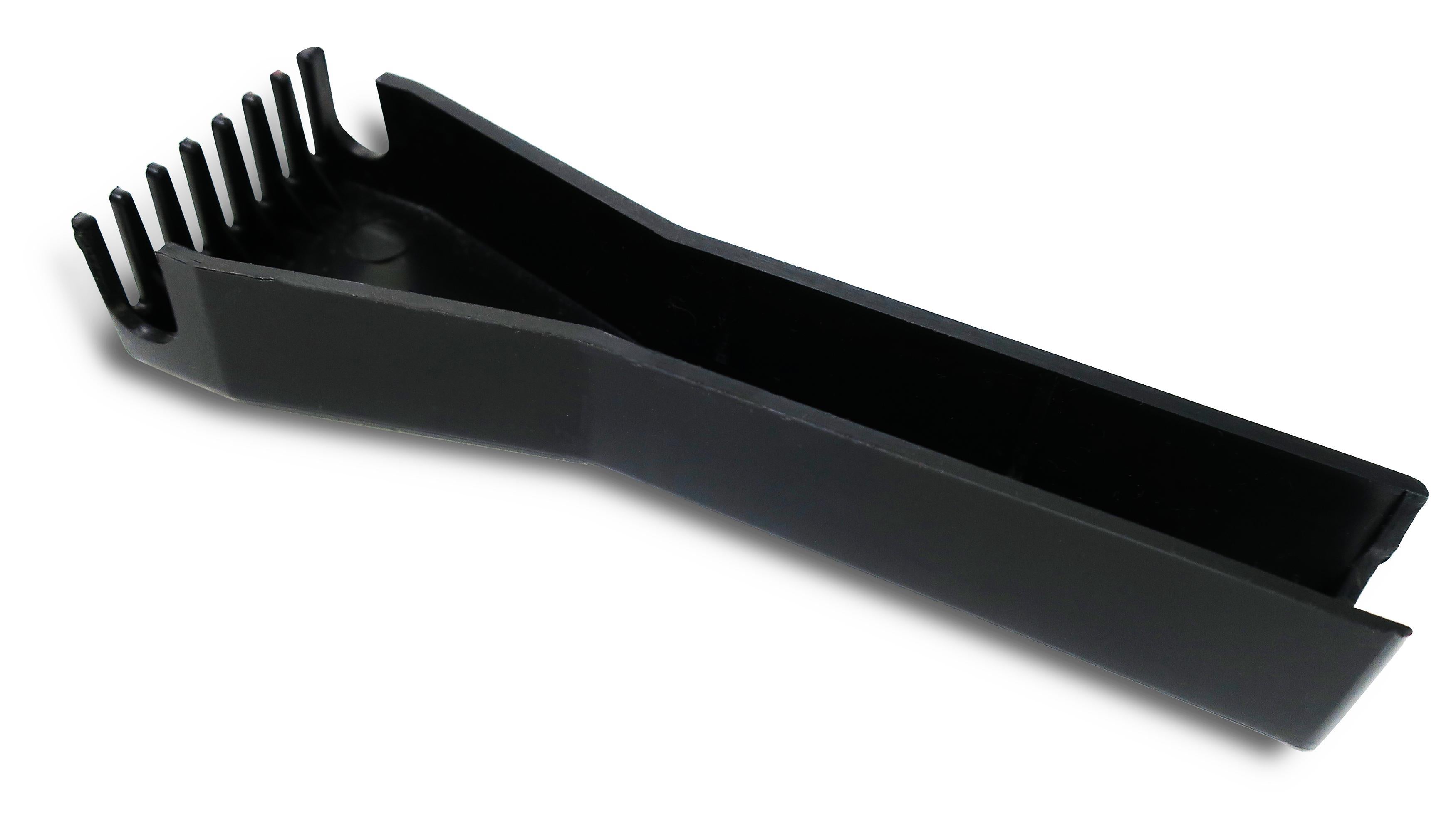
Keep your sweeper brush clean. This replacement roller cleaning tool (also called a cleaning comb) easily pulls hair, threads and debris out of the roller brush on Fuller Brush and Stanley Electrostatic Carpet & Floor Sweepers, so your sweeper picks up better.
Removes hair, threads and debris wrapped around the sweeper's roller brush
Just run the comb through the brush to pull debris out easily.
For long hair and lots of threads and debris, you might have to use a scissors.
Snaps right onto the sweeper handle, so it's always there when you need it and hard to lose
Fits Fuller Brush and Stanley Electrostatic Carpet & Floor Sweepers, which are identical except for the brand name
Designed in the USA, made in China
Note: A roller cleaning tool is already included with every new sweeper. This is a replacement or spare.
Know the fit
For a measurement or material that is not stated on this listing, contact us with the SKU before ordering.
Choose & use with care
Consider the floor, glass, tile or other surface you want to clean. Check both the tool directions and the surface manufacturer’s care advice.
A dusting head, scrub brush and glass squeegee have different jobs. Compare the material, head shape and supplied parts rather than choosing by appearance alone.
Check handle length, head dimensions and any replacement or attachment requirements. A compact tool should still have the reach you need.
Follow the instructions supplied for the exact product. Features, limits and care directions are specific to the selected model.
Order preparation takes 1–3 business days, followed by 3–4 business days in transit: 4–7 business days in total. Standard shipping is free to the contiguous United States and DC, with no minimum order.
Request a return within 30 calendar days after delivery. We pay return shipping. After receipt, inspection and initiation of an approved refund take 5–7 business days.
Before you decide
Start with the surface and task, then compare head material, reach and dimensions. Follow your surface manufacturer’s care instructions as well as the item’s directions.
Do not assume universal fit. Check the model or connection information on the particular listing and contact us if the match is unclear.
Use the options and measurements on the exact product page. Photographs can look different across screens; available choices are limited to the options actually shown for that item.
Check the selected product’s description and included-parts information. Accessories pictured in a use scene are included only when the listing says so.